
Docker Tutorial for Beginners: Complete Guide to Docker in 2026
Introduction
Modern software development requires applications to run consistently across different environments. One of the biggest challenges developers face is ensuring that software works correctly on development machines, testing servers, and production environments.
This is where Docker comes in.
Docker has become one of the most important technologies in DevOps and Cloud Computing. It allows developers to package applications along with all their dependencies into lightweight, portable units called containers.
Today, Docker is used by startups, enterprises, cloud providers, and DevOps teams around the world. If you are planning to become a DevOps Engineer, Cloud Engineer, or Software Developer, learning Docker is no longer optional.
In this Docker tutorial for beginners, you will learn everything you need to know to start your Docker journey in 2026.
What is Docker?
Docker is an open-source containerization platform that enables developers to build, package, and run applications in isolated environments called containers.
A container includes:
- Application code
- Runtime
- Libraries
- Dependencies
- Configuration files
Because everything is packaged together, the application behaves consistently across different systems.
This solves the classic problem:
“It works on my machine but not on the server.”
Docker ensures that if an application works inside a container, it works everywhere the container runs.
Why Learn Docker?
Docker has become one of the most widely used DevOps tools.
Benefits of Docker
Faster Deployment
Applications can be deployed quickly without manual configuration.
Consistency
Applications behave the same in development, testing, and production environments.
Scalability
Containers can easily scale across multiple servers.
Resource Efficiency
Containers use fewer resources compared to virtual machines.
Industry Demand
Docker skills are required for many Cloud and DevOps positions.
Docker vs Virtual Machines
Many beginners confuse Docker containers with virtual machines.
Virtual Machines
Virtual machines contain:
- Operating System
- Libraries
- Applications
Each VM requires its own operating system.
This consumes significant resources.
Docker Containers
Containers share the host operating system.
This makes them:
- Faster
- Smaller
- More efficient
As a result, organizations often prefer containers over traditional virtual machines.
How Docker Works
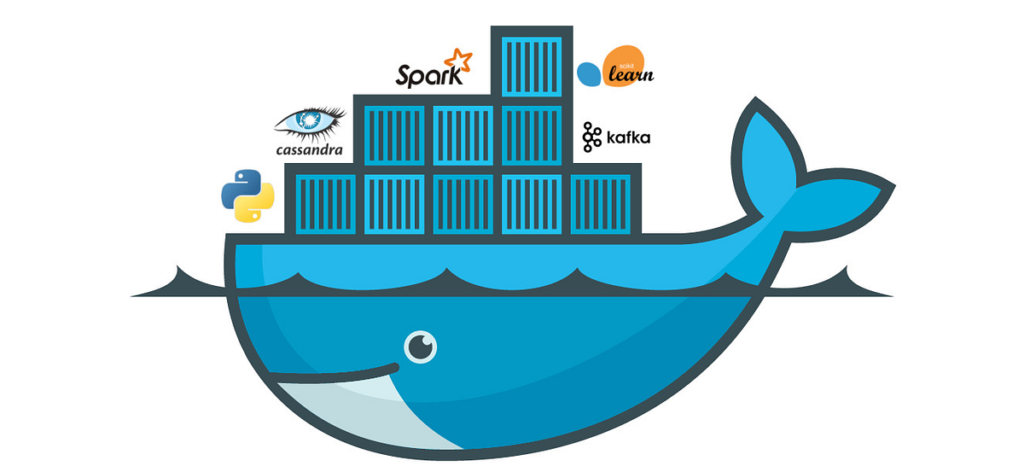
Docker uses a client-server architecture.
Main Components:
Docker Client
The interface used to interact with Docker.
Docker Daemon
Runs in the background and manages containers.
Docker Images
Blueprints used to create containers.
Docker Containers
Running instances of Docker images.
Docker Registry
Stores Docker images.
Example:
Docker Hub is a public image registry.
[IMAGE HERE]
Search Term:
Docker architecture diagram
Understanding Docker Images
Docker images are read-only templates used to create containers.
Think of an image as a recipe.
The recipe contains:
- Application code
- Libraries
- Dependencies
- Configuration
Popular Docker Images:
- Ubuntu
- Nginx
- MySQL
- MongoDB
- Redis
- Node.js
Images can be downloaded directly from Docker Hub.
Understanding Docker Containers
A container is a running instance of an image.
When you start an image, Docker creates a container.
Benefits:
- Lightweight
- Portable
- Fast startup
- Isolated environment
A single image can create multiple containers.
For example:
One Nginx image can run hundreds of containers.
Installing Docker
Windows
Download Docker Desktop.
Linux
Install Docker using package managers.
Example:
sudo apt update
sudo apt install docker.io
Verify Installation
docker --version
If Docker is installed successfully, the version number will be displayed.
Essential Docker Commands
Pull Image
docker pull nginx
Downloads an image.
List Images
docker images
Displays available images.
Run Container
docker run nginx
Starts a container.
List Running Containers
docker ps
Shows active containers.
Stop Container
docker stop container_id
Stops a container.
Remove Container
docker rm container_id
Deletes a container.
These commands form the foundation of Docker administration.
Dockerfile Explained
Dockerfiles automate image creation.
Example:
FROM nginx
COPY . /usr/share/nginx/html
EXPOSE 80
A Dockerfile defines:
- Base image
- Application files
- Configuration
- Startup instructions
Benefits:
- Automation
- Repeatability
- Consistency
Dockerfiles are widely used in production environments.
Docker Volumes
Containers are temporary.
When containers are deleted, data may disappear.
Volumes solve this problem.
Volumes allow data to persist independently of containers.
Common Use Cases:
- Databases
- Application uploads
- Backup storage
Without volumes, important data could be lost during deployments.
Docker Networking
Applications often need to communicate with each other.
Docker provides networking features for this purpose.
Examples:
- Web server connects to database
- API connects to cache server
Network Types:
Bridge Network
Default Docker network.
Host Network
Uses host machine networking.
Overlay Network
Used in Docker Swarm.
Networking becomes critical when building microservices architectures.
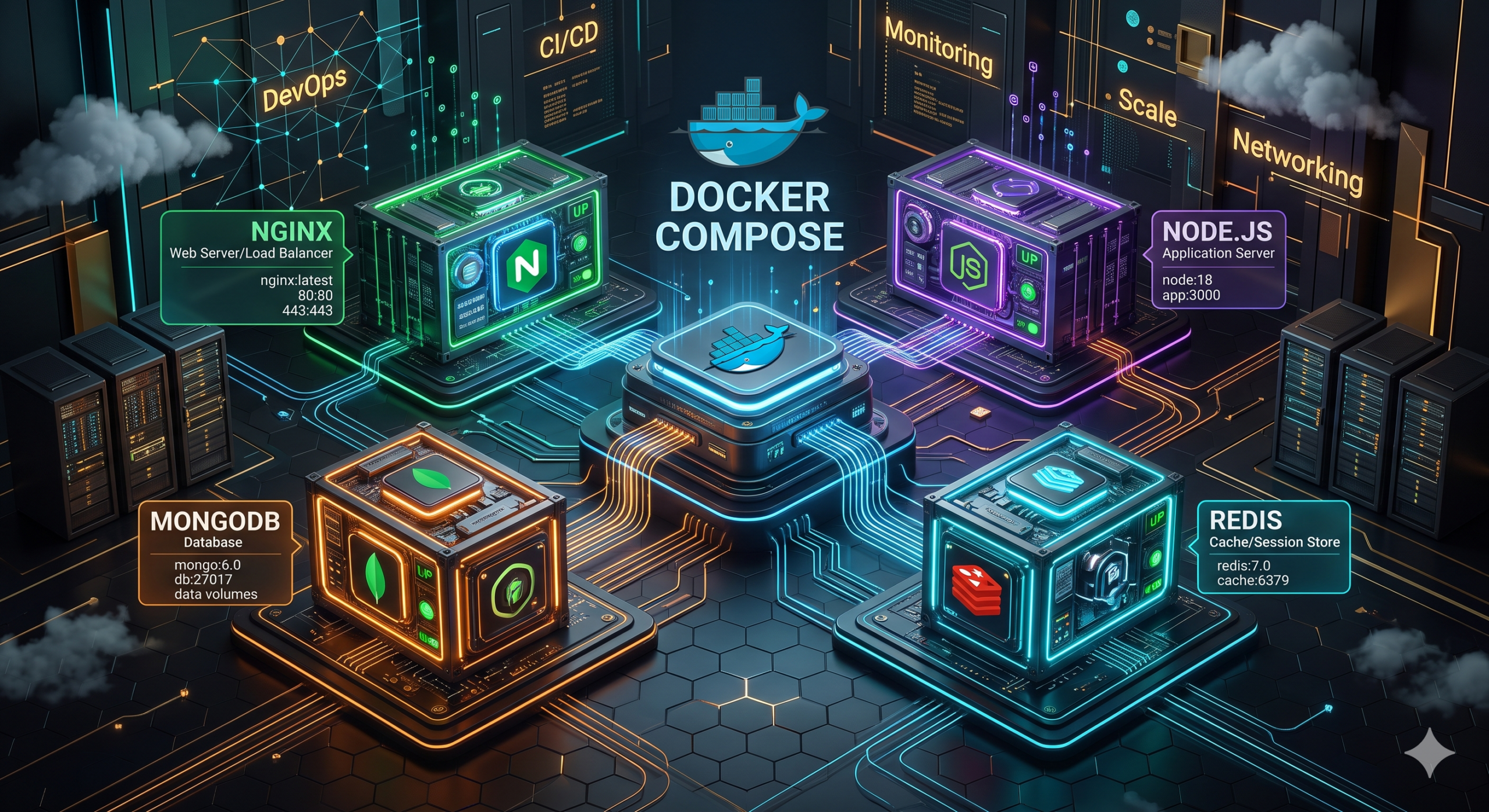
Docker Compose
Managing multiple containers individually becomes difficult.
Docker Compose solves this problem.
Example Application:
- Frontend
- Backend
- Database
All services can be defined in a single configuration file.
Benefits:
- Simplicity
- Automation
- Faster deployments
Docker Compose is commonly used during development.
Real-World Docker Projects
Project 1
Deploy a static website using Nginx Docker container.
Project 2
Containerize a Node.js application.
Project 3
Deploy a MERN Stack application using Docker Compose.
Project 4
Run MySQL database inside Docker.
Project 5
Deploy WordPress using Docker containers.
Projects help transform theoretical knowledge into practical experience.
Docker in DevOps
Docker plays a critical role in modern DevOps workflows.
Docker helps teams:
- Standardize environments
- Automate deployments
- Improve scalability
- Simplify testing
Docker is often integrated with:
- Jenkins
- GitHub Actions
- Kubernetes
- AWS
- Terraform
This makes Docker one of the most important technologies in the DevOps ecosystem.
Common Mistakes Beginners Make
Learning Kubernetes Before Docker
Docker should be learned first.
Ignoring Dockerfiles
Dockerfiles are essential.
Not Practicing Commands
Hands-on practice is critical.
Skipping Networking Concepts
Networking becomes important as applications grow.
Not Building Projects
Projects provide practical understanding.
Frequently Asked Questions
Is Docker easy to learn?
Yes. Docker is beginner-friendly and can be learned quickly with hands-on practice.
Is Docker required for DevOps?
Yes. Docker is one of the most important DevOps tools.
Can Docker replace virtual machines?
Not completely. Both technologies serve different purposes.
Should I learn Docker or Kubernetes first?
Always learn Docker first.
How long does it take to learn Docker?
Most beginners can understand Docker fundamentals within a few weeks.
Conclusion
Docker has transformed how applications are developed, tested, and deployed. By using containers, organizations achieve consistency, scalability, and faster deployments while reducing infrastructure complexity.
Whether your goal is to become a DevOps Engineer, Cloud Engineer, or Software Developer, Docker is a foundational skill that will benefit your career for years to come.
Start with the basics, practice regularly, build projects, and then move toward advanced technologies such as Kubernetes and container orchestration.

Pingback: Git and GitHub Tutorial for Beginners | Complete Git and GitHub Tutorial Guide 2026
Pingback: Cloud Computing vs DevOps vs AI: Best Career in 2026
Pingback: Docker Compose Tutorial for Beginners | Complete Docker Compose Guide 2026
Pingback: Terraform Tutorial: Complete Terraform Tutorial for Beginners to Advanced (2026 Guide)
Pingback: DevOps Projects for Beginners | 15 Hands-on Ideas (2026)